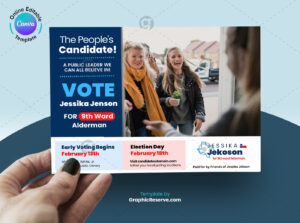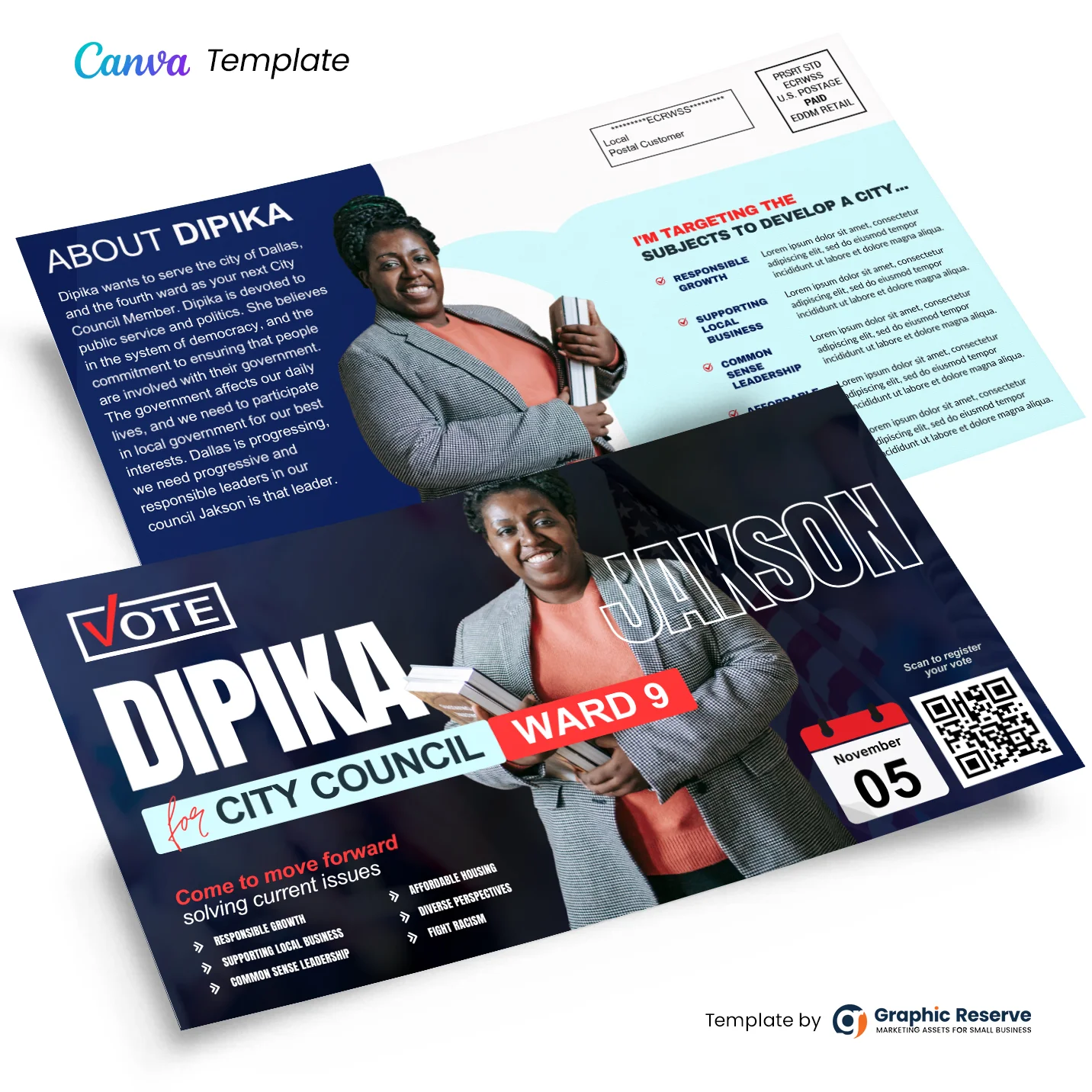
A ready-to-mail political campaign postcard, in dark navy and red. It comes at 11 x 6 in, a size the USPS accepts for Every Door Direct Mail.
Planning a political campaign mailing
Plan two or three drops: an introduction, an issues card and a reminder close to election day. Check your local rules for the required paid-for-by line before printing, and match routes to your district boundaries.
From template to mailbox
- Open the template in Canva and add your business name, phone, website and offer (the back has placeholder lorem ipsum text: replace it with your policy details, then change the name, office, ward, date and QR code).
- Download a print-ready PDF and order prints from any local or online printer.
- Choose carrier routes with the USPS EDDM online tool, by household count, age or income.
- Bundle the cards as the post office asks and drop them off, or let your printer handle mailing.
You need Canva Pro for the premium elements and for a CMYK print file; Canva’s free 30-day Pro trial covers both. See how the trial works.
Graphic Reserve sells and delivers this template; the button above takes you to it.